
Web notes
Photo Angles
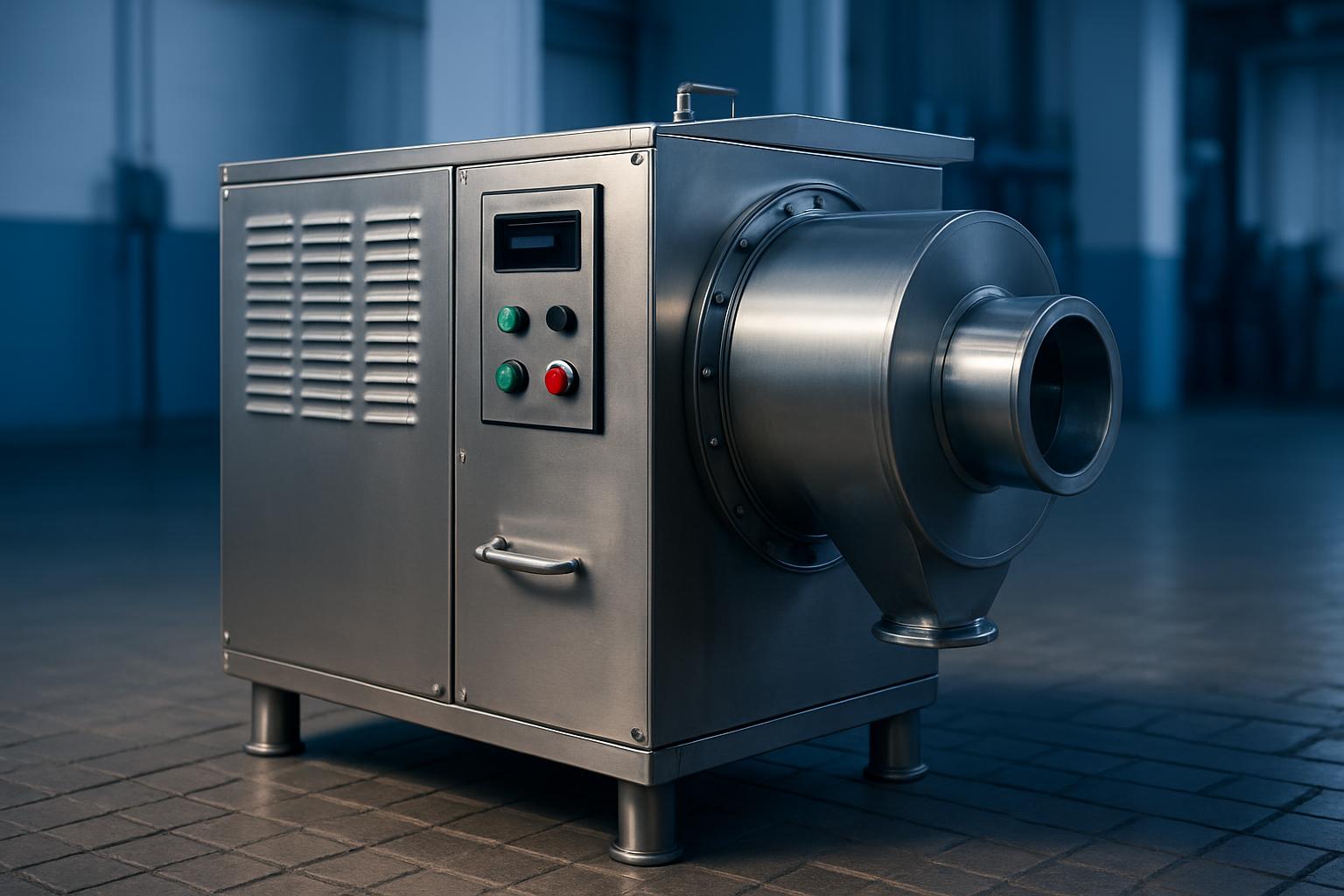
A practical pressroom note on photo angles for teams documenting press condition, print faults and site readiness properly.
Clear press photos save time when a team is checking print defects, fitment issues, or wear on rollers and gears. Photo Angles is our note on what to capture around a flexo press so the next decision is based on something useful.
Photo Angles is written for teams who need usable press images, not vague snapshots. The note focuses on what to photograph on CI, narrow-web, and stack presses when checking print faults, wear points, guarding, and access around the machine. If you need the note linked to a job or site record, name the press section shown in each picture.
Views that answer press questions
- Unwind and rewind both visible
- One full-side machine photo before close-ups
- Panel labels or station numbers shown clearly
- Date, site and machine name recorded
Use these checks when a defect image must support a discussion about machine layout, operator access, or a section that needs closer inspection. The aim is to make the next technical decision easier to verify.
How Photo Angles help on stack press install records
The Photo Angles note explains which views help when recording a flexo press for assessment or handover. Clear photos of print faults, guarding, unwind and rewind sections, and control panels make CI, narrow-web, and stack discussions far easier.
Begin with a wide photo that places the press in context, then move tighter to the fault or component. Include substrate direction, ink side, and the station involved where that can be seen safely in frame. On South African sites, lighting varies sharply between older factories and newer packaging halls, so angle and glare control matter more than people expect.
Take the first set of images before covers are removed or parts are shifted. That preserves the actual condition at handover, shutdown, or fault finding. A simple phone photo can work well if the shot is square, steady, and not blocked by guards, rolls, or operator shadows.
What the image set should show
A useful record shows the whole press, the exact section involved, and one close detail of the issue. For print faults, include repeat direction and web travel so the team can judge whether the mark relates to plate, anilox, impression, tension, or handling. For installation and handover, show service access, guarding condition, controls, and the area around the press.
Use Photo Angles when you need to compare one machine area against another without guesswork. A clear sequence from wide view to detail is more valuable than a folder of random images.
- Wide shot, mid shot, detail shot
- Fault captured before any cleaning
- Control screen readable in one frame
Conditions that affect press photos
Harsh roof light, coastal humidity, and dust from busy factory yards all change how a press image reads. Reflections on guards and stainless panels can hide scoring, leaks, or loose fitment unless the camera is moved slightly off centre. Where a plant runs multiple similar lines, include a machine tag or bay marker in at least one photo.
Coastal sites often need extra attention on rust spots, residue around fasteners, and cabinet seals. Inland plants may struggle more with dust on sensors, rollers, and web guides. During power interruptions or restart checks, photograph the control panel state as well as the mechanical area under review.
Operated by Astros Marketing (Pty) Ltd from 2 Makro Place, Sunnyrock 1401.
Photo notes for handover records
A practical pressroom note on photo angles for teams documenting press condition, print faults and site readiness properly.
When documenting a press for assessment or handover, keep the photo order consistent from unwind to print stations to rewind. Add short notes for anything not obvious in the frame, such as gear side, operator side, or a temporary fix fitted during the shift. That makes later comparison far easier when another team reviews the record.